KEYWORDS: WhatsApp Ads WhatsApp Marketing WhatsApp Ads Guide Social Media Marketing WhatsApp Ads Optimization Tips
WhatsApp Ads Guide 2026: The Secret Sales Machine for Leads & Conversions
Digital Marketing
|
May 18, 2026
In 2026, the digital world will be more crowded than ever. People are tired of seeing generic ads that slow down websites. They want answers, and they want them now. If you have been tracking the Google Ads cost recently, you know that getting a single click is becoming a major expense. This is why smart businesses are moving their budgets to where the conversations actually happen: WhatsApp.
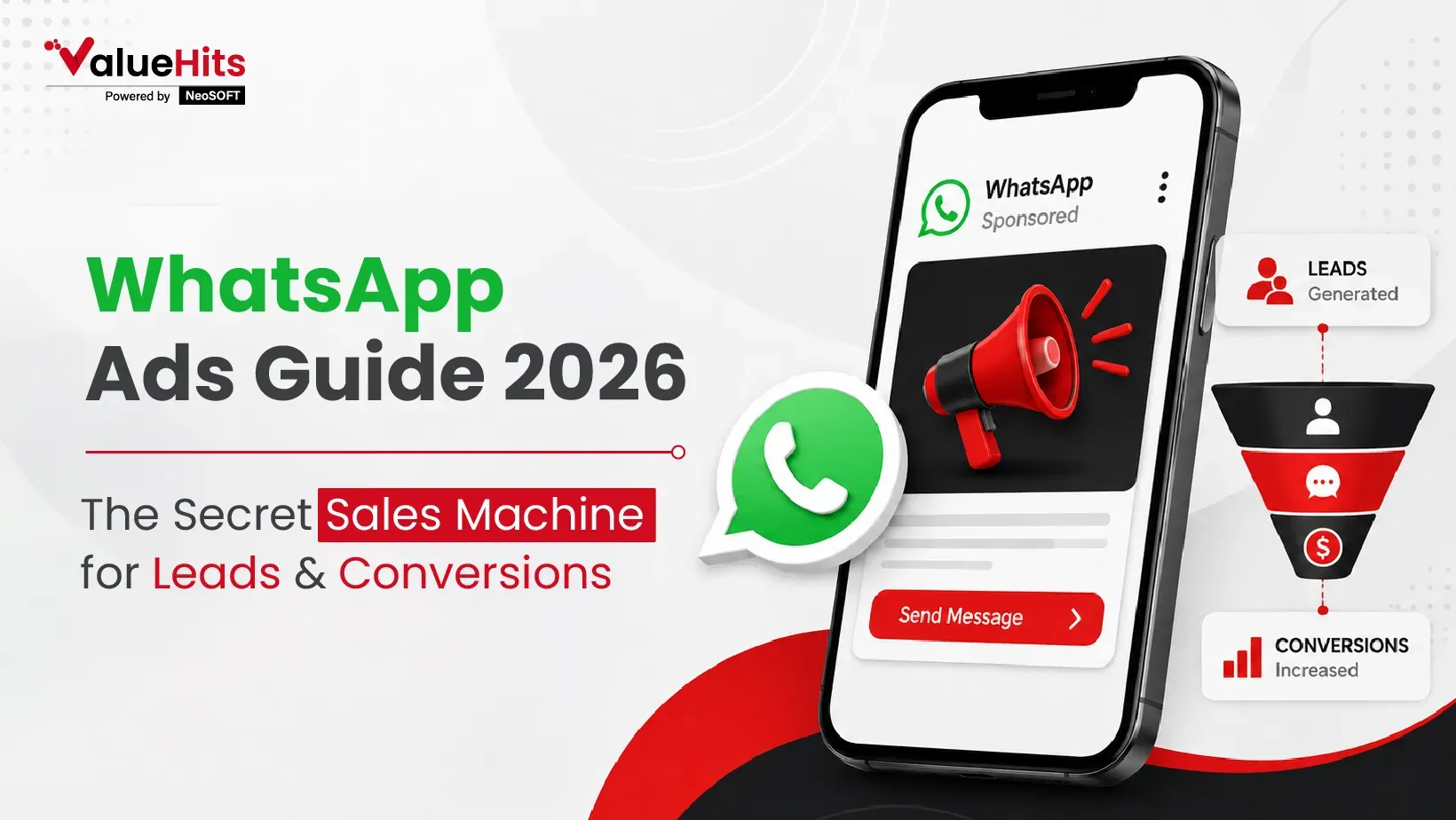
WhatsApp is a powerful tool that is no longer just for chatting with friends. It has become a powerful sales tool. Instead of forcing a user to fill out a long form, you invite them into a chat. This builds trust instantly. Whether you are a small local shop or a large firm, learning how to run these ads can change your business forever.
What are WhatsApp Ads?
WhatsApp Ads are vertical, full-screen ads that typically appear in the app's Status section. Specifically, these ads encourage a direct chat. Such campaigns are perfect for service-based businesses, local stores, coaching institutes, real estate agents, high-ticket sales, etc.
Pre-Requisites Before Running WhatsApp Ads
- WhatsApp Business profile: Get the WhatsApp Business app as a regular personal account will not work for ads. This app lets you set up a profile with your hours, address, and website.
- Set up a Facebook business page: Meta owns both Facebook and WhatsApp. You need a Facebook Page to act as the "identity" behind your ads. This page must be linked to your WhatsApp number.
- Business Manager or Ads Manager account: This is the dashboard where you will create your ads. You will need to verify your business details and add your team members if you have them.
- Product catalog: It serves like a mini-shop inside WhatsApp. Here, helpful details such as images, prices, and even product or service descriptions can be shared.
- Budget and Payment method: You need to add a valid credit card or payment tool to your Ads Manager. You should also decide the spending cycle for the whole month.
- Instagram account link: Linking your Instagram account lets your ads show up in even more places, like Instagram Stories, giving you more bang for your buck.
How To Run WhatsApp Ads?
Here is how you set up your first campaign from start to finish.
Step 1: Open Ads Manager
Go to the Meta Ads Manager on your computer. Log in with your Facebook business account. Once you are on the dashboard, check that your account is active. Make sure your Facebook page is connected, and your payment method is ready. You should also verify that your SEO content is being tracked if you are using a website alongside your ads.
Step 2: Click on 'Create Campaign'
Look for the bright green "Create" button. When you click it, the system will prompt you to choose how you want to build the ad. Choose the "Manual Setup" option.
Step 3: Choose campaign objective
You must tell Facebook your goal. To run WhatsApp ads, you should select the "Engagement" or "Sales" objective. This tells the system that you want people to take an action, like sending a message.
Step 4: Pick WhatsApp as your preferred message platform
After step 3, when you move to the next section, you will see an option for "Messaging Apps." Here, listed choices include Messenger, Instagram, and WhatsApp. You must ensure that you select WhatsApp as your only destination.
Step 5: Pair WhatsApp Number
If linking a contact number is still due, click the "Connect" button. Write your contact number with the correct country code. Meta will then share a text message with a code, and you need to enter that code into the dashboard.
Step 6: Define Audience Targeting
This is where you decide who sees your ad.
- Location: It is possible to target an entire country, any specific city, or even a small circle around your shop.
- Age and Gender: Pick the group that is most likely to buy from you.
- Interests: This is a secret weapon. You can target people who are interested in "luxury travel" or "online learning."
Step 7: Set Budget & Schedule
Decide how much you want to spend, like you can choose to begin with a "Daily Budget" of merely $5 or $10, as it will help to test things out. It is a good idea to let the ad run for at least 5 days. This gives the Meta AI enough time to learn who is clicking on your ad and find more people like them.
Step 8: Select WhatsApp Status Placement
Be aware that, as per the default setting, the system will reflect your ad everywhere. For the best results, always choose "Manual Placements." Find the "Stories and Reels" section and make sure "WhatsApp Status" is checked. You can also include Instagram and Facebook Stories if your ad is a vertical video.
Step 9: Upload your ad creative
This is what the customer actually sees. Upload a high-quality vertical image or video. The perfect and best recommended size is 1080 x 1920 pixels. Add a short, punchy headline and a clear "Send Message" button. Once everything looks perfect in the preview, click "Publish."
Optimization Tips for Better WhatsApp Ad Performance
Once your ad is running, you need to make sure it is performing well. If you get trouble finding the best digital marketing agency for WhatsApp Ad optimization, these tips will help you save money by making your ads more efficient.
- Use manual placements: Don't let the computer put your ad in random spots. Sticking to WhatsApp Status and Stories usually gets the best engagement for the price.
- Use 1080 x 1920 Vertical Creative: People hold their phones upright. If your ad is a square or a horizontal video, it will look small. Use full-screen mode to grab their attention.
- Use a strong CTA: Don't just say "Hi." Say things like "Chat for 20% off," "Get your free quote today," or "Book your spot now."
- Set instant reply automation: People always look for fast answers on WhatsApp. Use the "Quick Replies" or "Greeting Message" features in the Business app to talk to people even when you are busy.
- Test audience segmentation: Try running two ads. Send one to people who like "Fitness" and another to people who like "Yoga." See which group sends you more messages for less money.
Final Verdict!
Running WhatsApp ads is considered the smartest way to communicate with your customers in 2026. While Meta Ads costs keep rising, WhatsApp offers a direct, affordable way to grow your sales. Hence, by following the guide, you can perfectly set up a professional sales machine that works while you sleep.
The best experts are here for you.
If you're looking for expert support to grow your brand online, ValueHits can help. Our focus is always on creating smart, effective strategies to ultimately deliver organic results without stretching your budget. Also, we have experience working closely with businesses to build engaging social media campaigns that connect with the right audience.
Citation Gap Strategy: Get Your Brand Cited in AI Search
October 21, 2026
Ten blue links were once the standard search result.
Multi-Location GEO Calendar: How to Build a Scalable AI Search Strategy
October 12, 2026
A multi-location GEO calendar is a content strategy that aids businesses in maxi
Facebook Ad Account Hacked? 5 Steps We Took to Take It Back
October 7, 2026
It was a slow Sunday evening when the alert landed.

Hardik Mody
Senior Manager - Digital Marketing atValueHits
Hardik Mody is a Senior Manager in Digital Marketing. He plans and coordinates the marketing activities of ValueHits, a full-service Digital Marketing Agency in Mumbai, India. With his experience and Expert knowledge in the field, he identifies potential customers and develops marketing campaigns. Also, he is efficient enough to meet the client’s requirements and well-organized in handling multiple tasks.